Link source not visible
When adding the TIKTORY overlay link as a browser source in TikTok Live Studio, you may encounter an issue where the overlay appears as a tiny red rectangle instead of displaying at full size.
The Problem
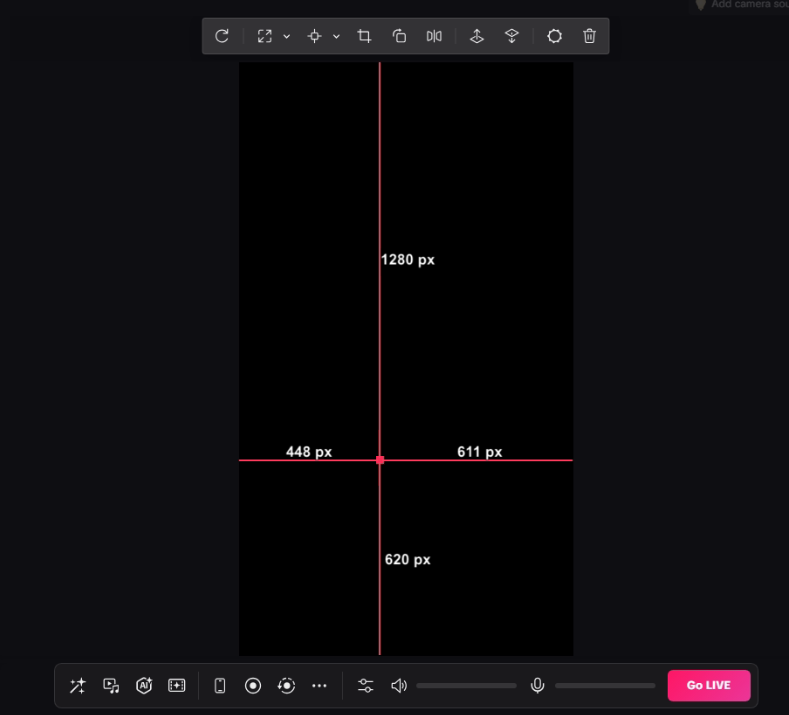
TikTok Live Studio has a known bug where browser sources are loaded with dimensions of 0x0 pixels. This causes the TIKTORY overlay to appear as a small red rectangle when selected, rather than properly filling the stream canvas.
Symptoms
- Overlay appears as a tiny red dot or rectangle in the corner
- Cannot resize the overlay to full screen
- The source dimensions show 0x0 or very small values
- Dragging the resize handles has no effect
Why This Happens
This is a bug within TikTok Live Studio’s browser source implementation—not an issue with TIKTORY. The same overlay URL works perfectly in OBS Studio and other streaming software.
Unfortunately, there is no direct fix for this bug within TikTok Live Studio itself.
The Workaround: OBS Virtual Camera
The recommended solution is to use OBS Studio’s Virtual Camera feature:
- Set up your TIKTORY overlay in OBS Studio (where it works correctly)
- Enable OBS Virtual Camera
- Add the virtual camera as a video source in TikTok Live Studio
This way, you get all the benefits of TIKTORY’s overlay system while still streaming through TikTok Live Studio.
See also: Setting Up OBS Virtual Camera for TikTok Live Studio — Step-by-step guide on configuring OBS Virtual Camera with TikTok Live Studio.
Alternative: Stream Directly from OBS
If you prefer a simpler setup, you can also stream directly to TikTok from OBS Studio instead of using TikTok Live Studio. This eliminates the dimension bug entirely since OBS handles browser sources correctly. For this, you’ll need a Stream Key from TikTok. Note that many streamers have mentioned that this highly affects their stream activity / visibility.
Summary
| Software | Overlay Support |
|---|---|
| OBS Studio | ✅ Works perfectly |
| TikTok Live Studio | ❌ Dimension bug (use OBS Virtual Camera) |
If you experience this issue, the OBS Virtual Camera workaround is currently the only reliable solution.
Was this article helpful?